Photos
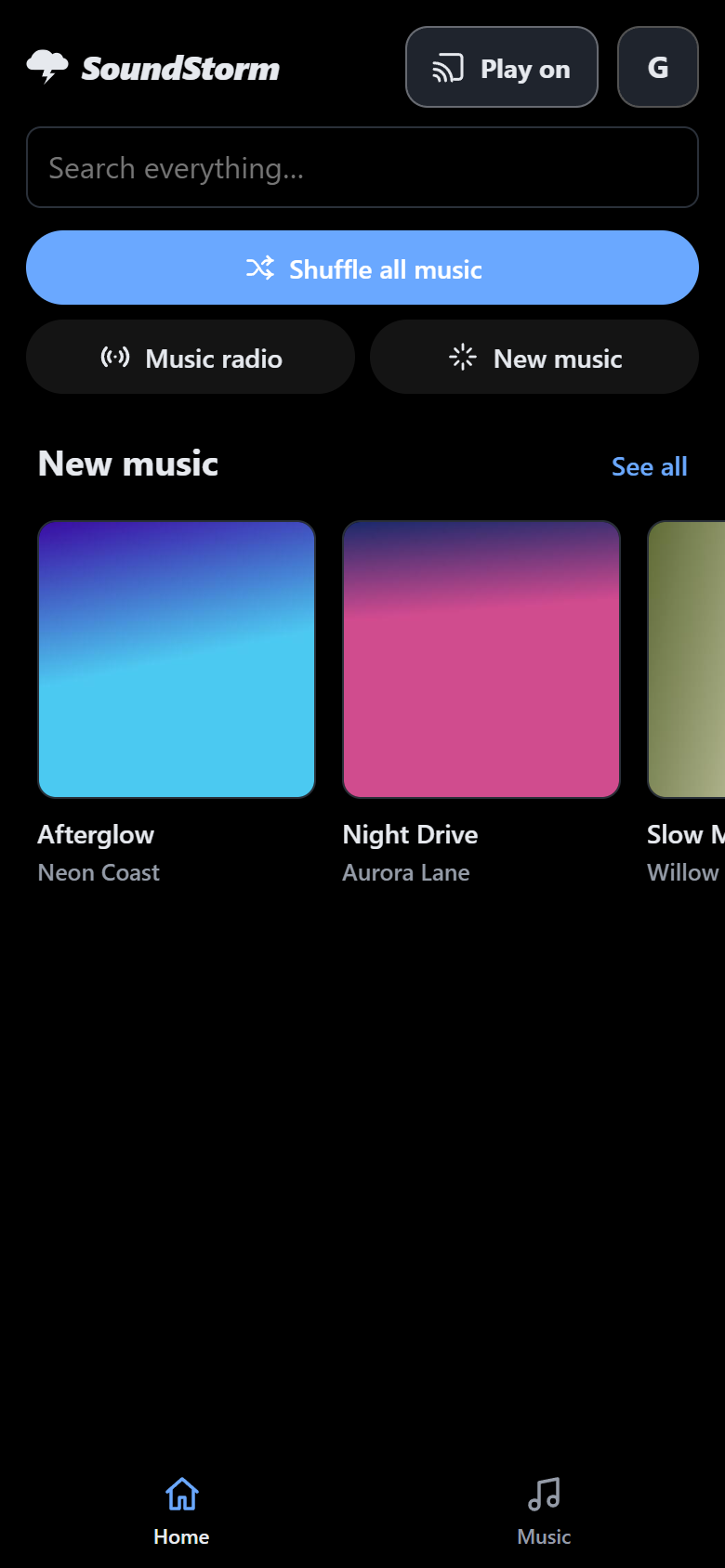
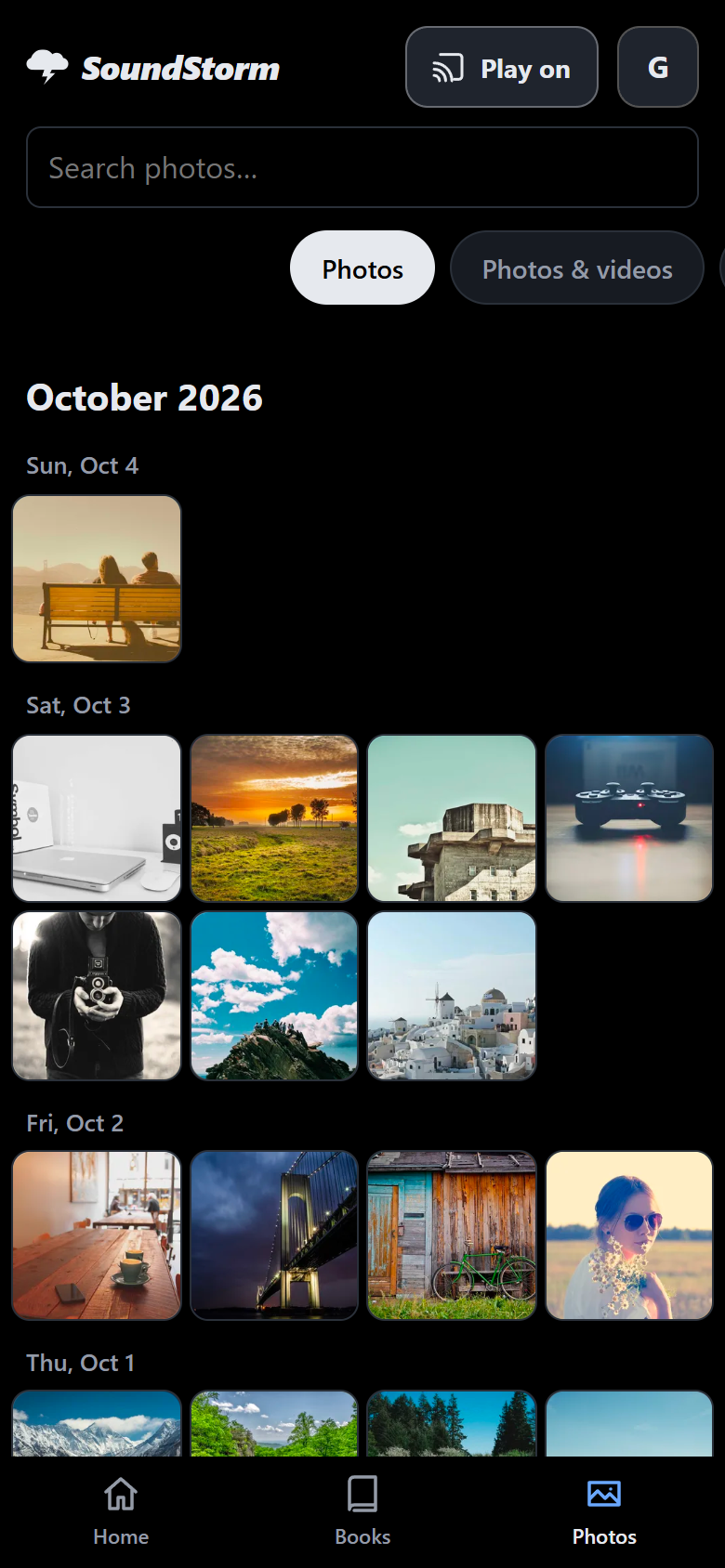
Your phones back up by themselves. A timeline of months and days, people and places, videos and Live Photos. Bring your library in from Google or Apple, send photos to each other, and share albums.
One app for your family's photos, films, TV, music, audiobooks and books, on your phones and TVs. It runs on a computer in your house, so your memories stay yours. Free, open source, and no subscriptions.
Windows, Mac and Linux · Apps for iPhone, Android, Apple TV, Google TV and Fire TV
Not a server to manage: one sign-in, one search, one app your whole family just uses.
Your phones back up by themselves. A timeline of months and days, people and places, videos and Live Photos. Bring your library in from Google or Apple, send photos to each other, and share albums.
Shows season by season, carry on where you stopped, subtitles and audio languages, Up next. Start a film on your phone, watch it on the TV, and control it from your phone.
Albums, artists, playlists, radio and moods, synced lyrics, and animations that move with every beat. Bring your playlists from Plex, or any player that saves M3U files.
Chapters, speed and a sleep timer. Read along as the page turns with the narrator, or read alone at your own pace. Turn an ebook into an audiobook, or an audiobook into an ebook, on your own computer.
Everyone gets their own sign-in, favorites, places in books and their own private photos. Invite family with a QR code.
Works on your Wi-Fi from the first minute, with a secure address of its own. Away from home too, once you turn it on and where your internet connection allows it. No account with anyone.
Your photos, films, music, searches and passwords stay on your own computer, and EmberStorm sends no usage data. It goes online for its secure address, to check for updates and install them at night (unless you turn that off), and for things you switch on; the media servers inside it also fetch film posters and download their own models. Exactly what, and why.
Every line is public, under the GNU AGPL, so anyone can check what it does. No subscriptions, no ads, no account to make.
About 10 to 30 minutes, mostly downloading. You need a computer that stays on, ideally with 16 GB of memory, and about 30 GB of disk for EmberStorm itself, plus your media.
Once EmberStorm is installed on a computer at home, the apps find it by themselves on your Wi-Fi. Any phone or computer can also simply open it in a web browser.